The color splash app for Android
Let one color glow.
In a busy photo, the important part gets lost. Tap one color – it stays bright while everything else fades to black and white. Done in seconds, right on your phone.


- Free
- Photos stay on your device
- No account needed
Currently available for Android only.
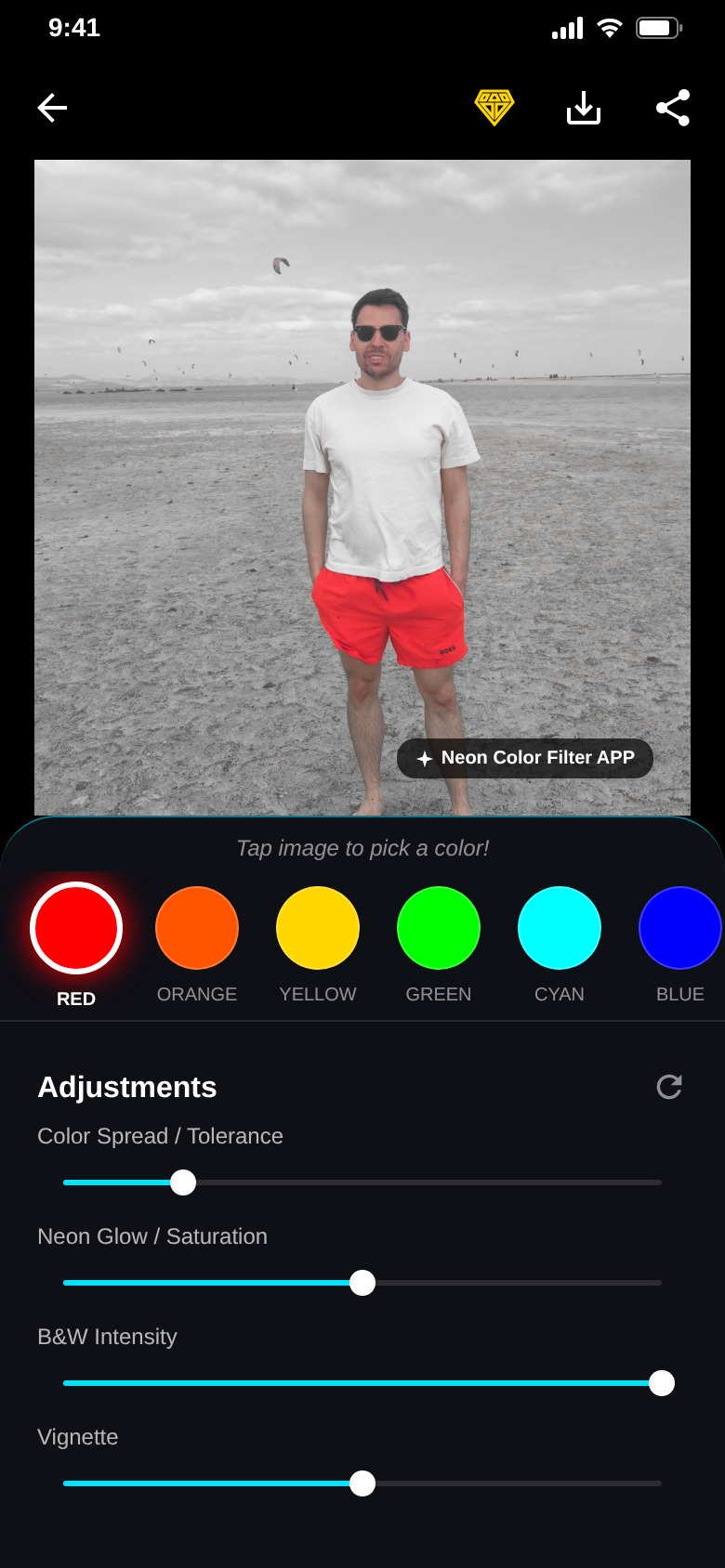
Tap to pick
Tap it. Keep it.
Tap anywhere on your photo and exactly that color stays. Everything else turns black and white.
Take a fresh photo with the camera or open one from your gallery. A short tutorial shows how.
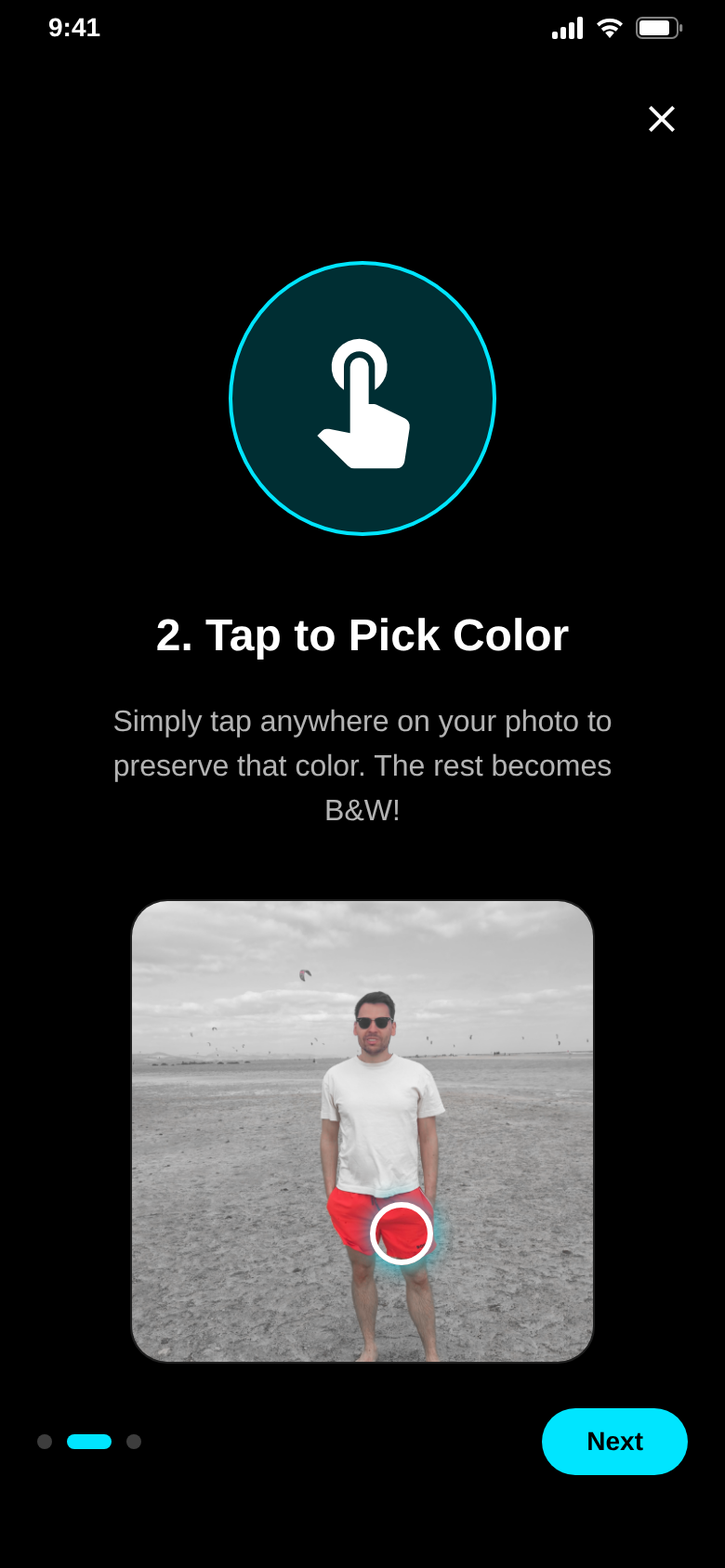
8 neon colors
Pick a color. Watch it glow.
Red, orange, yellow, green, cyan, blue, purple and pink are ready as filters. The chosen color glows, the scene around it goes quiet.
Blue sky over grey fields – made with the blue filter.
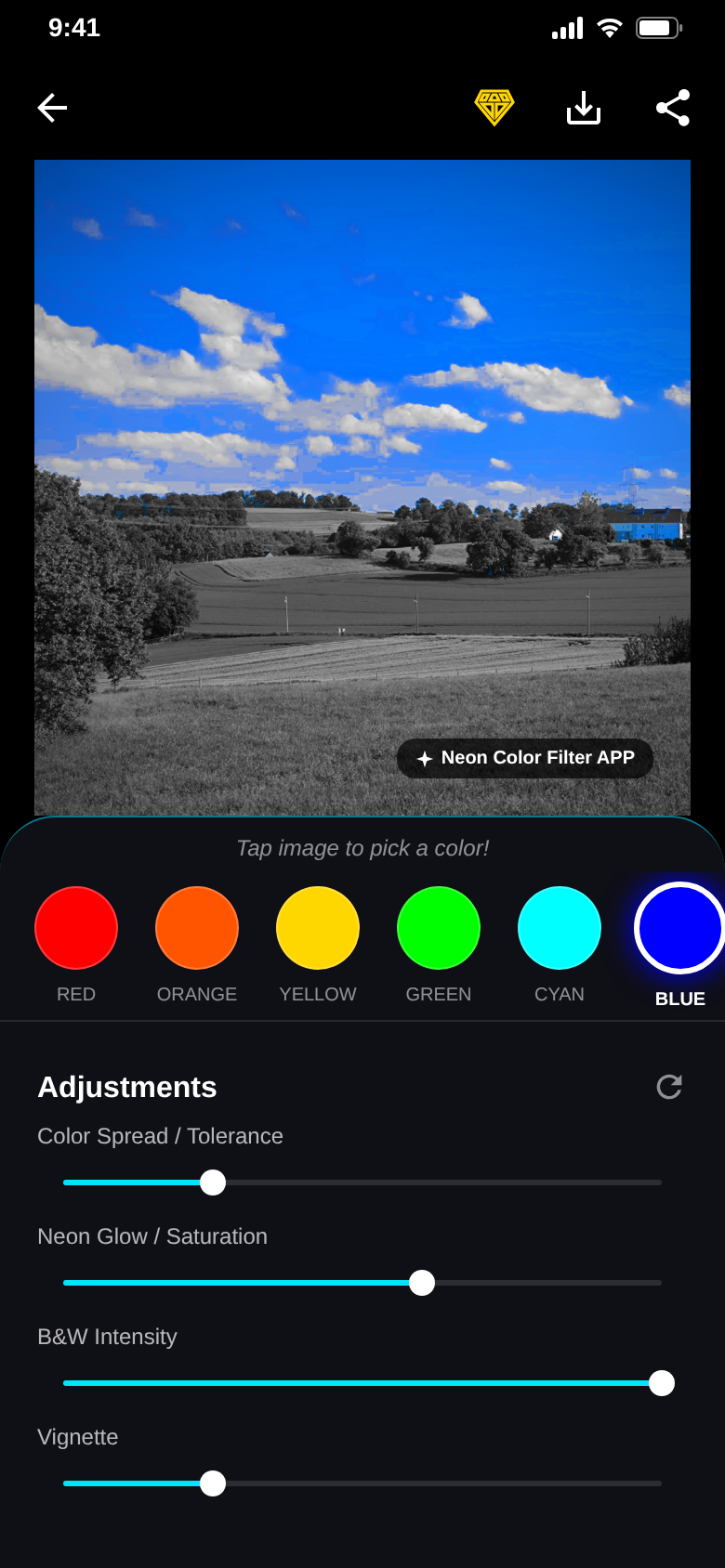
Where the color stays,
the eye goes.
Color splash guides every look to exactly what you want to show.
Fine-tuning
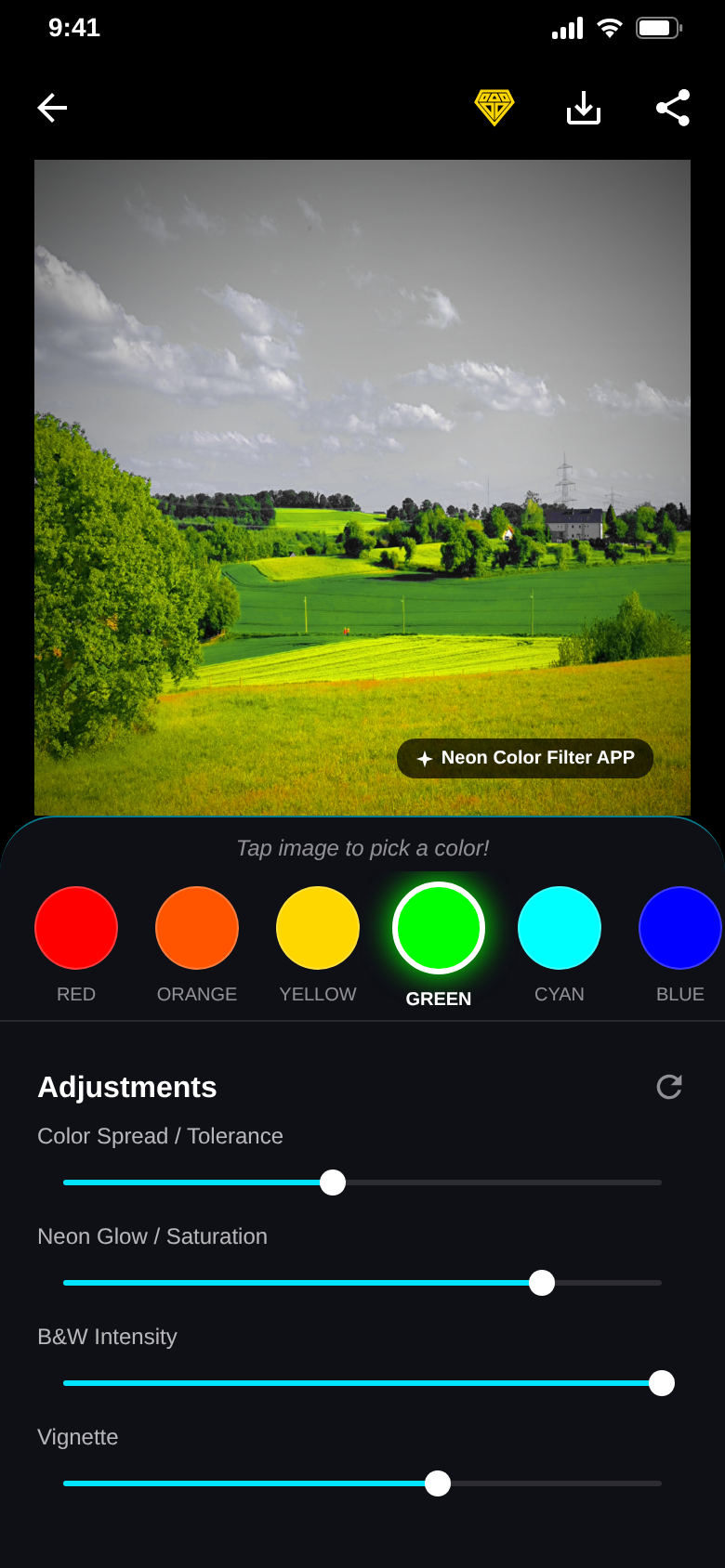
Six sliders. Your look.
Color tolerance decides how much of the color stays, a soft edge blends it in, and minimum saturation keeps white and grey walls out. Neon glow, B&W intensity and vignette set the mood.
Press and hold the photo to compare before and after. One tap resets all sliders.
Export
Save it. Share it.
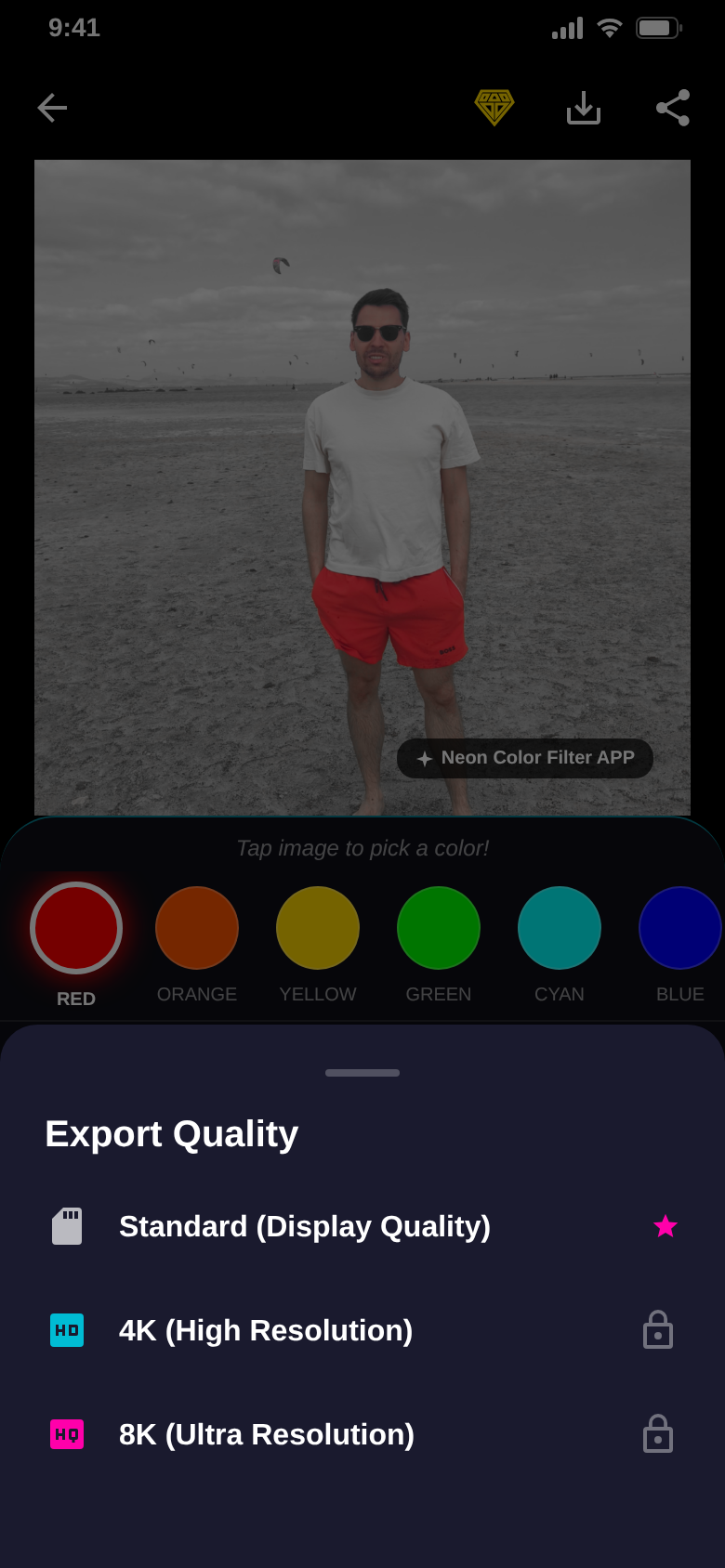
Save to your gallery or share straight from the editor. Standard quality is free.
Export in your photo’s original resolution, 4K and 8K without watermark come with Pro.
The difference
Color splash without the desktop.
- Masking a color by hand in a desktop editorTap the photo and the color stays
- Hunting for the right hue8 neon colors ready as filters
- Color bleeding into the backgroundTolerance, soft edge and minimum saturation keep the color where it belongs
- A flat, dull grey resultNeon glow, B&W intensity and vignette
- Uploading photos to some online toolEditing happens on your device
And a lot more.
Camera or gallery
Take a fresh photo or open any picture from your gallery.
Ideas to start
Neon Red Splash, Cyberpunk Blue, Toxic Glow and Golden B&W show what works.
Short tutorial
Three steps: select a photo, tap a color, make it neon.
Your settings
Haptic feedback, auto-save to your gallery and your default export quality.
Save & share
Straight to your gallery or shared with one tap.
Original size, 4K & 8K with Pro
Pro removes ads and the watermark and unlocks export in original resolution, 4K and 8K.
Quick questions.
Who is Neon Color Filter for?
What does Neon Color Filter cost?
How does Neon Color Filter make money?
Can I keep a color that is not in the list?
Do my photos leave the phone?
Which devices are supported?
Which language does the app use?
How do I cancel Pro?
Get Neon Color Filter.
Pick a photo, tap a color, let it glow.
Free for Android.